-
SaveMySearch
-
OrganizationChart
-
BomHierarchy
-
PivotReports
-
KanView
-
KanTickets
-
KanProspects
-
AzurSign
-
SoleilSign
-
MerouSign
< Back
Print
Module config.
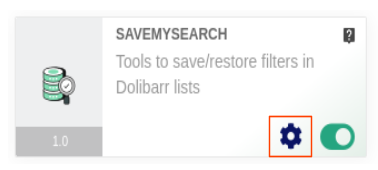
In the list of Dolibarr modules, go to the SaveMySearch module card and click on the cog-wheel.
The module configuration page is then displayed:
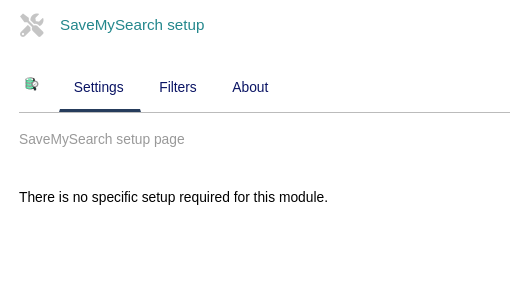
In this version of the module, no global parameters are defined.
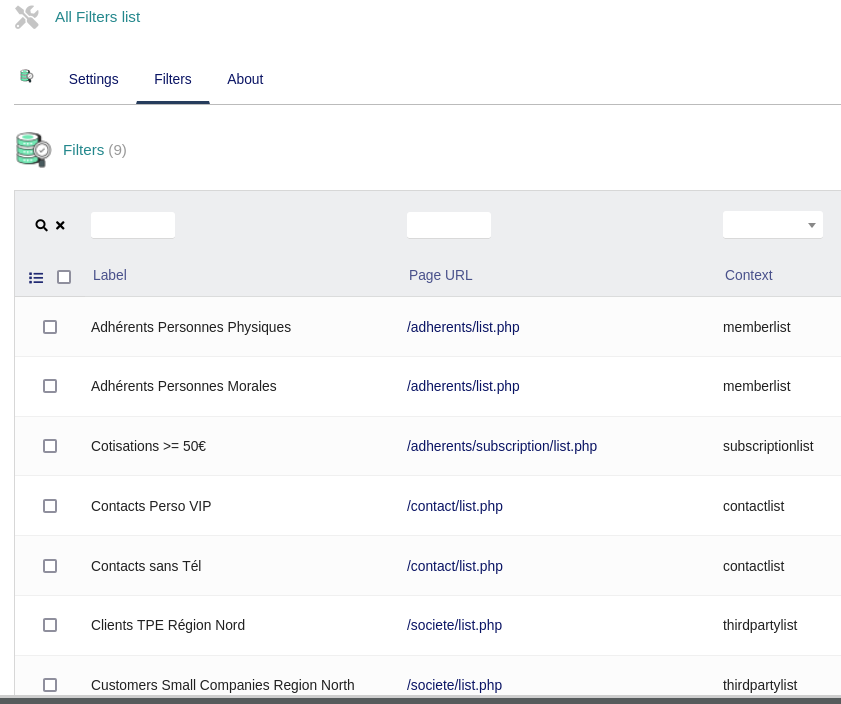
On the other hand, the “Filters” tab displays the list of all filters created in all Dolibarr through the SaveMySearch module toolbar.
As an Admin, you can see who did what using the module.
The list also offers the possibility of bulk deletion.
On this page