Suppliers Invoices Kanban view
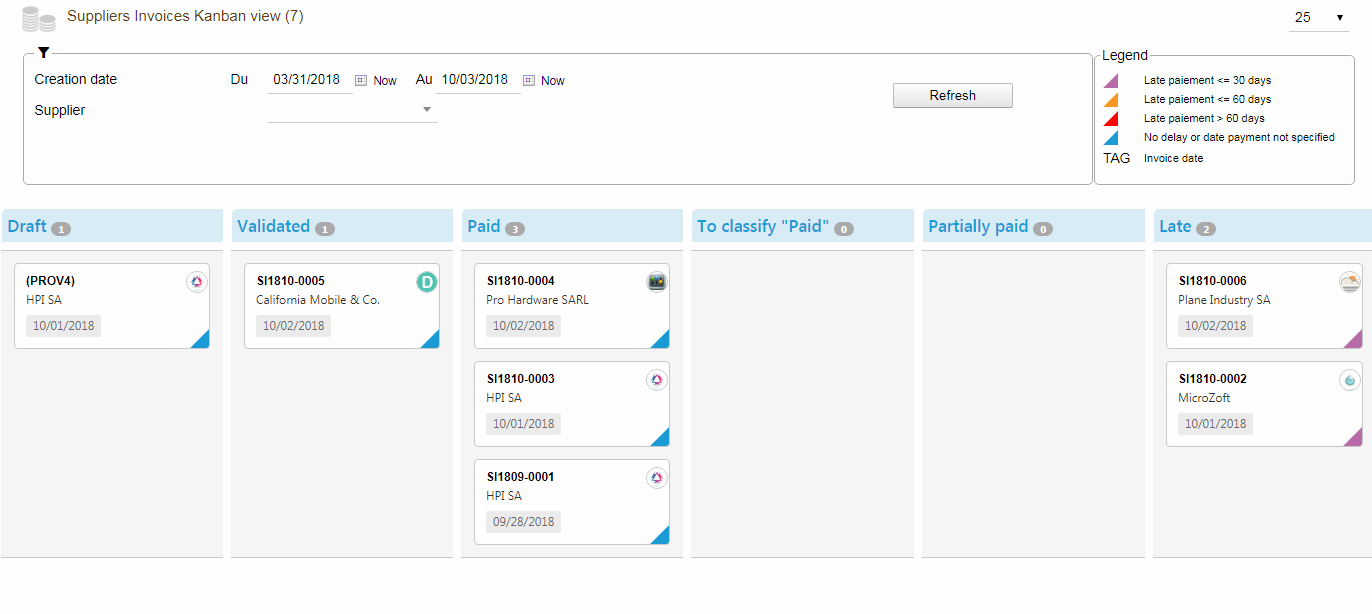
Columns
Possible states for Suppliers Invoices are:
- Draft
- Validated
- Paid
- To classify paid
- Partially paid
- Late (payment)
Stock management
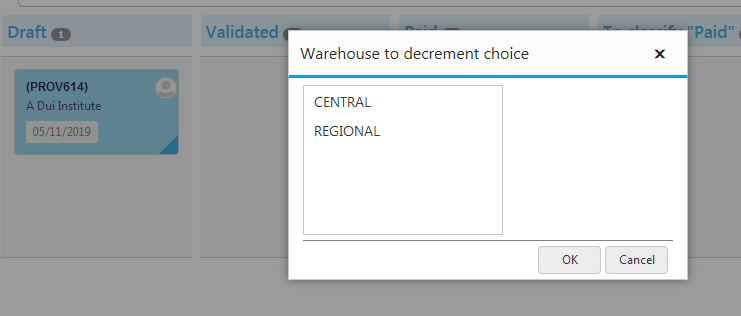
If the “Stock” module is activated in your Dolibarr and if the option “Increase real stocks on suppliers invoices/credit notes validation” is set to “Yes” then you will be prompted to choose the warehouse when you try to drag and drop from the “Draft” column to the “Validated” column:
Parameters
Tags
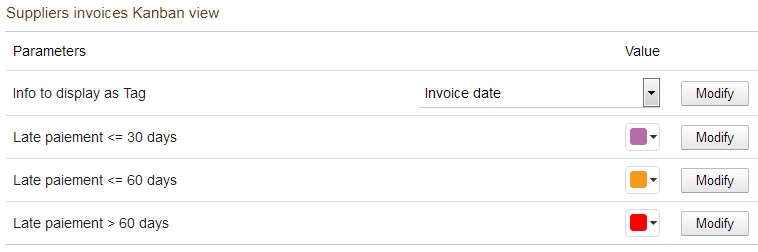
Possible tags for Suppliers Invoices kanban view are:
- Invoice Date
- Payment deadline
- Amount vat incl. + Paid amount
- Remaining amount
Colors The colors in the lower right corner for the Supplier Invoice kanban cards represent the states:
- Late payment <= 30 days
- Late payment <= 60 days
- Late payment > 60 days